

If you find your Tesla not charging, the cause is often simpler than it looks. The seven most common causes are scheduled charging, a low charge limit, a cold battery, a frozen charge port, a faulty home charger or cable, an on-board charger or charge port fault, and a limit set by the battery management system (BMS). Start with the charge port light and the touchscreen alert: together they tell you where to look.
Below: what to check yourself, how to tell a home charger fault from a car fault, and when to bring the car in. At ServiceMode in Peetri we read charging faults with Tesla’s licensed diagnostic tool, Toolbox 3, which reads and clears fault codes and shows what is actually stopping the charge.
Tesla not charging: what the charge port light tells you
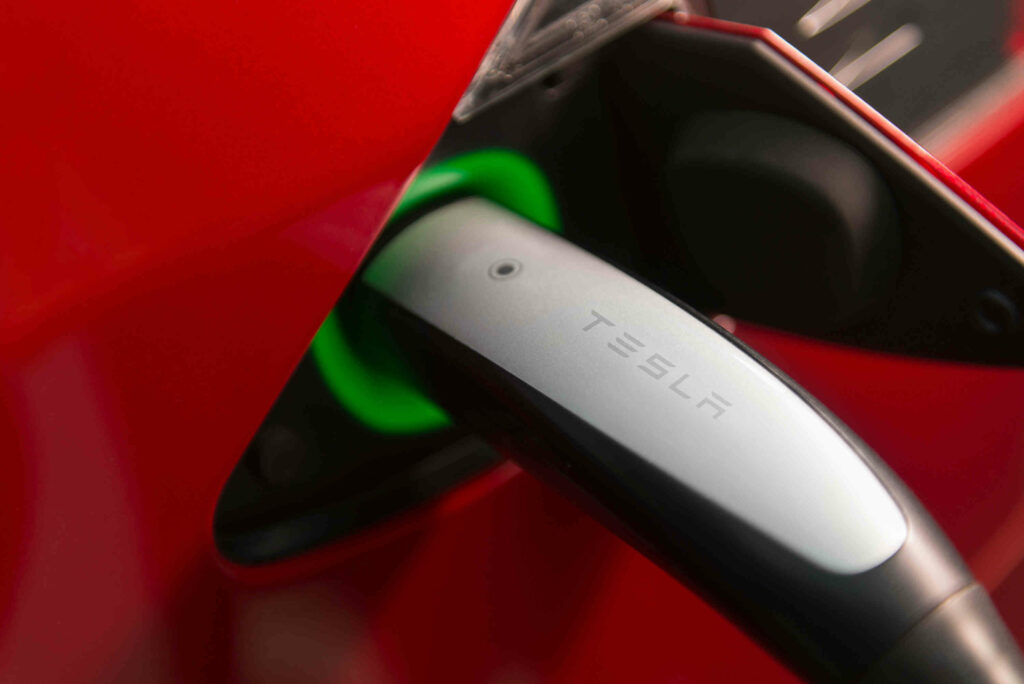
The Tesla logo around the charge port is your first diagnostic tool. The colours below come from the Tesla Model 3 owner’s manual, and other models are similar. When you find your Tesla not charging, check the light a few seconds after plugging in:
- white or light blue: the door is open and the car is ready, but the connector is not in or the latch is already released;
- blue: connected but not charging, for example while waiting for a scheduled charge;
- blinking blue: the car is talking to the charger and preparing to charge;
- blinking green: charging is in progress, while solid green means charging has finished;
- solid amber: the connector is not fully inserted; blinking amber: charging at reduced current (AC only);
- red: a fault was detected and charging stopped, and the touchscreen alert gives the reason.
A red light does not automatically mean a faulty car. Tesla’s owner’s manual notes that a power cut can also interrupt charging, which then resumes by itself. If the same red light and alert repeat at different chargers, the cause is most likely in the car. A screenshot of the alert speeds up diagnostics.
Scheduled charging and the charge limit
A common reason for a Tesla not charging right after plugging in is scheduled charging. A solid blue light means the car is waiting for the scheduled time. Check Controls > Charging > Schedule in the car and in the app. A schedule tied to your home or work location starts there automatically, even if you have forgotten it.
If the car charges but not to full, check the charge limit. The slider sets the target level for both immediate and scheduled charging. Near 100% the car may keep charging at low power for a while after the screen says charging is complete. At busy Supercharger sites, charging may be capped at 80% unless you use Trip Planner.
Slow charging is often down to the current setting. The car remembers the current for each location, so a current you once reduced stays reduced there. On a household socket with the Mobile Connector, the car may pick a lower default current. You can raise it, but first make sure your wiring and fuse can take the load.
Cold battery and frozen charge port
In freezing weather a Tesla not charging at full power straight away is normal: the battery has to be warmed first. The car heats or cools the battery before charging starts, so expect a delay. The cold part of the battery shows in blue on the battery icon, meaning that energy is temporarily unavailable. Navigate to a fast charger and the car warms the battery on the way.
The other winter problem is a frozen charge port door or latch. Never force the door. If the cable is frozen in, select Controls > Service > Inlet Heater, which heats the port for up to two hours. On some cars the inlet heater comes on together with the rear defrost. More in our article on the Tesla battery in winter.
Home charger, cable or car: narrowing down the fault
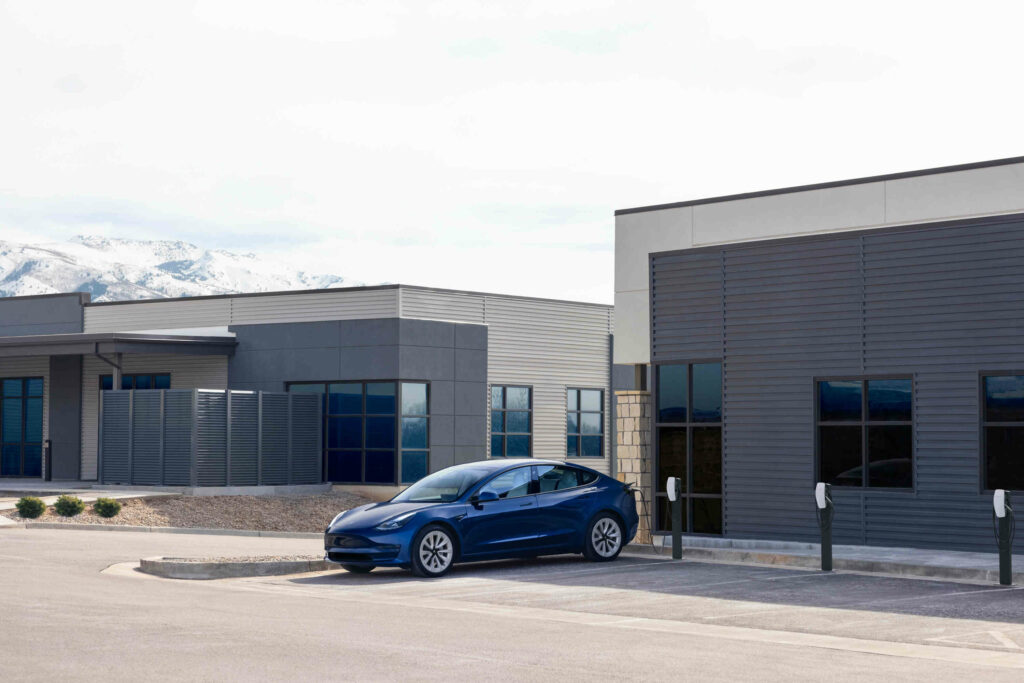
The most useful question is simple: does the car charge elsewhere? The answer points either to the charging equipment and installation or to the car itself. A Tesla not charging in just one place is already a strong clue. Before booking a workshop, work through these four steps and note the results:
- Read the touchscreen alert and note the charge port light colour.
- Try another charger, ideally both an AC charger and a DC fast charger.
- At home, check the fuses, the residual current device and the wall charger’s status lights as its manual describes.
- Inspect the connector and port, as ice, dirt, moisture or damaged contacts prevent charging.
Tesla not charging on AC but fine at a Supercharger? Then suspect the on-board charger or its supply, because a DC fast charger feeds the battery directly and bypasses it. If the car charges everywhere except at home, the fault is probably in the wall charger, cable or installation, which is a job for an electrician.
When the fault is in the car: charge port, on-board charger and BMS
Charging only starts once the car has latched the connector. If the latch, the port sensors or the wiring send a wrong signal, the car will not start charging or will stop. An on-board charger fault usually shows up as a Tesla not charging on AC anywhere. Such faults are found by measuring and reading fault codes, not by swapping parts on a hunch.
If the car won’t wake up, unlock or charge, Tesla’s manual says a flat 12 V battery may be the cause, so check that first. The battery management system (BMS) can limit or block charging when it detects a high-voltage battery fault, such as an isolation fault, a voltage difference between cell groups or a contactor problem.
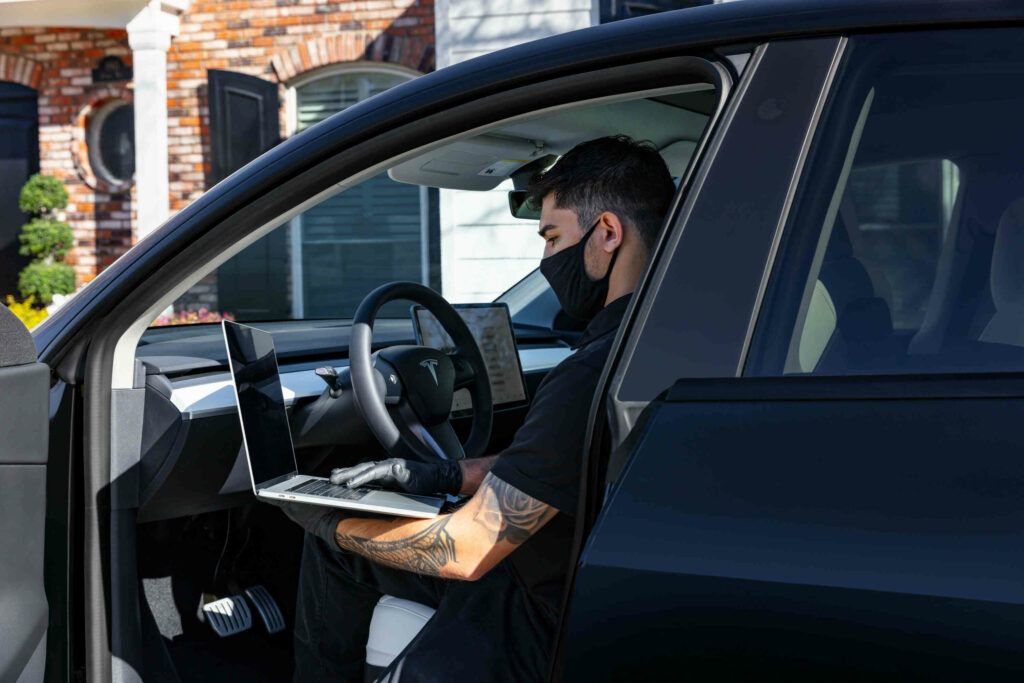
Clearing such alerts is not a fix: the code goes, the fault stays. With a Tesla not charging and a battery warning on screen, Toolbox 3 shows exactly what is blocking the charge and whether a sensor, the wiring or the battery itself is to blame. If it is the battery, we continue with battery repair.
Frequently asked questions
Why is my Tesla not charging to 100%?
Usually a Tesla not charging to full has simply reached its charge limit. At a busy Supercharger an 80% cap may apply unless you use Trip Planner. With a cold battery, part of the energy is temporarily unavailable and the reading rises as it warms. If charging always stops at the same level with a warning, have the BMS alerts checked.
Why is my Tesla not charging in the cold?
The car warms the battery first, so the start may be delayed and the power low at first, and the port latch can freeze. Use scheduled preconditioning, navigate to fast chargers and switch on the Inlet Heater when needed. If you still find your Tesla not charging in a warm garage, the cold is not the reason and diagnostics are worthwhile.
How do I get the charging cable out of the port?
The car must be unlocked or your phone key nearby. Press the connector button or tap Unlock Charge Port. On a Model 3, pulling the rear left door handle for several seconds stops charging and releases the cable. The last resort is the release cable in the trunk, to be used only when the car is not charging.
How much does charging fault diagnostics cost?
In our price list, diagnostics and electrical work start from €150, and reading and clearing fault codes also from €150, excluding VAT. The final cost depends on the findings, so agree the repair scope and the parts needed before work starts.
Book charging diagnostics
Still have a Tesla not charging after these checks? Bring it to us in Peetri, Tähnase 1, near Tallinn Airport. We do Tesla electrical work and charging diagnostics to Tesla’s service protocols, using original parts. Book on +372 5851 0695, at info@servicemode.ee or via our contact page. We are open Monday to Friday, 9:00-18:00.